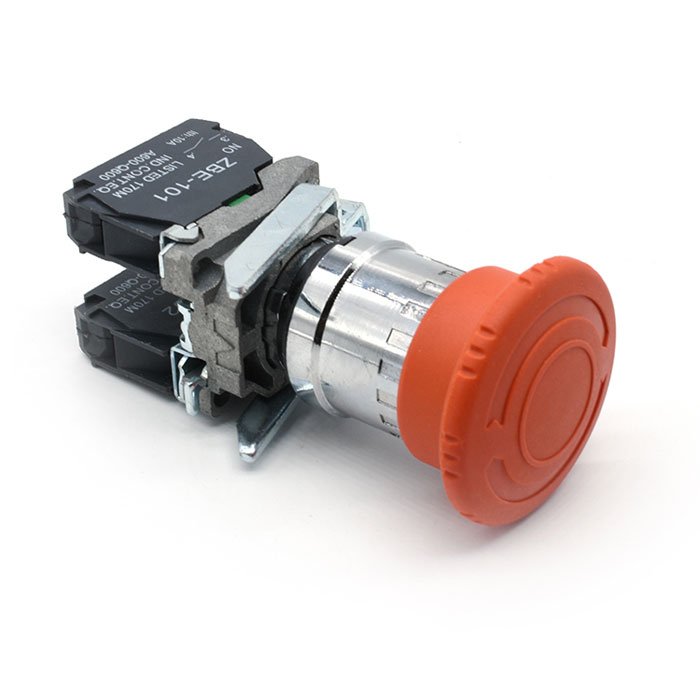
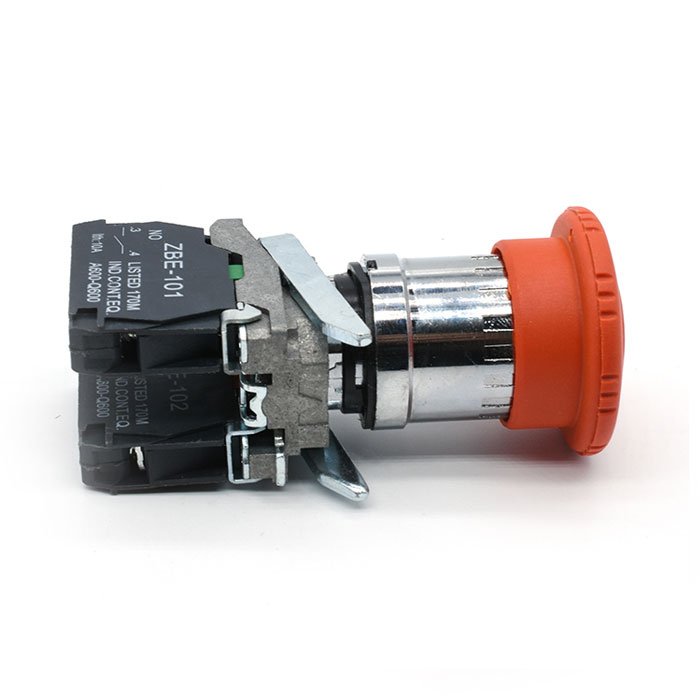
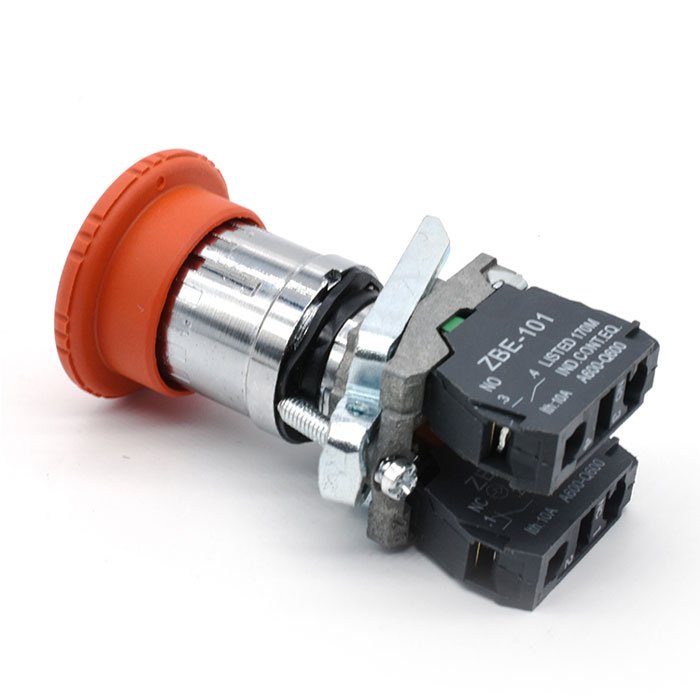
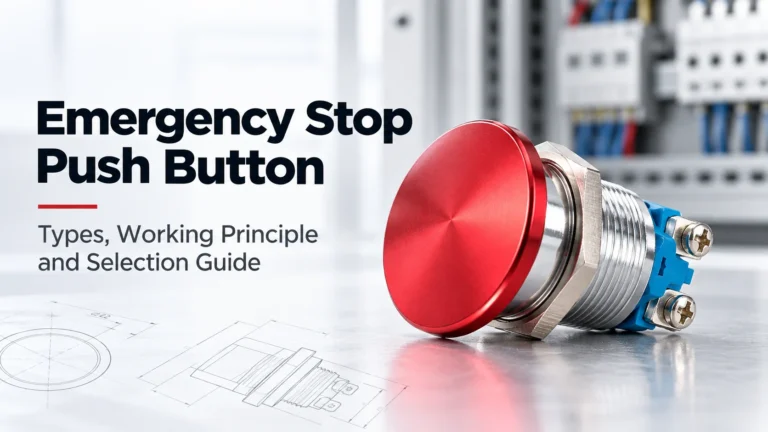
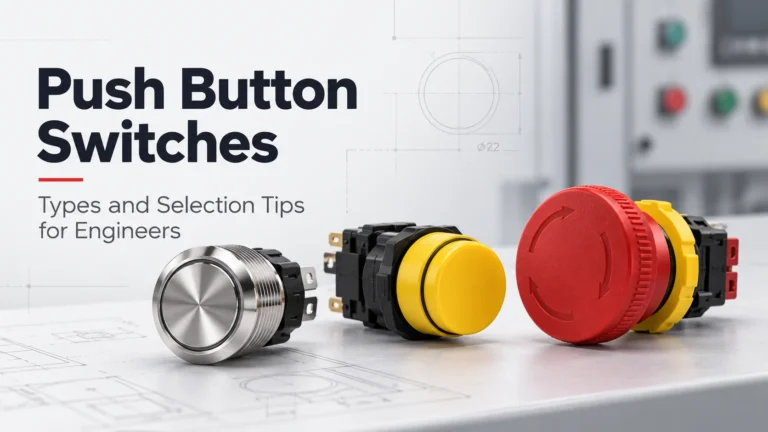
An emergency stop push button switch, often referred to simply as an “emergency stop button” or “E-stop,” is a safety device commonly found in machinery, industrial equipment, and various automated systems. Its primary function is to immediately halt the operation of a machine or process in case of an emergency to prevent injury to personnel, damage to equipment, or other hazardous situations.
Here are some key features and characteristics of an emergency stop push
The button itself is typically colored bright red to make it easily identifiable in an emergency situation.
It’s designed to be large and easily accessible, allowing anyone nearby to quickly press it in case of an emergency.
When pressed, the emergency stop button sends a signal to the control system of the machinery, causing it to stop immediately. This action overrides any other commands or controls and brings the equipment to a safe and controlled stop.
Emergency stop buttons often have a latching mechanism that keeps them in the pressed position once activated. This prevents accidental restarts and ensures that the machine remains stopped until deliberately reset.
After the emergency situation has been resolved, the emergency stop button usually needs to be manually reset before the equipment can be restarted. This helps prevent inadvertent restarts and ensures that the machine is thoroughly checked before resuming operation.
In addition to the red button, emergency stop buttons often feature prominent signage or labeling to further increase their visibility and ensure that they are easily recognizable.
Overall, the emergency stop push button switch is a critical safety feature in industrial settings, providing a quick and effective means of stopping machinery in emergency situations to prevent accidents and protect personnel and equipment.
A Latching Push Button Switch is designed to maintain its switching state after being pressed. Unlike a momentary push button, which returns to its original position as soon as the operator releases it, a latching switch remains active until it is operated again or manually released. This makes latching push buttons useful in industrial control […]
An Emergency Stop Push Button is a critical control component used on industrial machinery, automation systems, production lines, and control panels. Its purpose is simple: allow an operator to quickly initiate a stop command when an abnormal or potentially dangerous condition occurs. Although most emergency stop buttons use a familiar mushroom head, not all models […]
A Push Button Switch is one of the most common control components used in industrial machinery, electrical panels, automation systems, and control equipment. Although the device appears simple, choosing the right push button requires more than selecting a color or mounting size. Engineers need to consider the operating method, contact configuration, rated voltage and current, […]